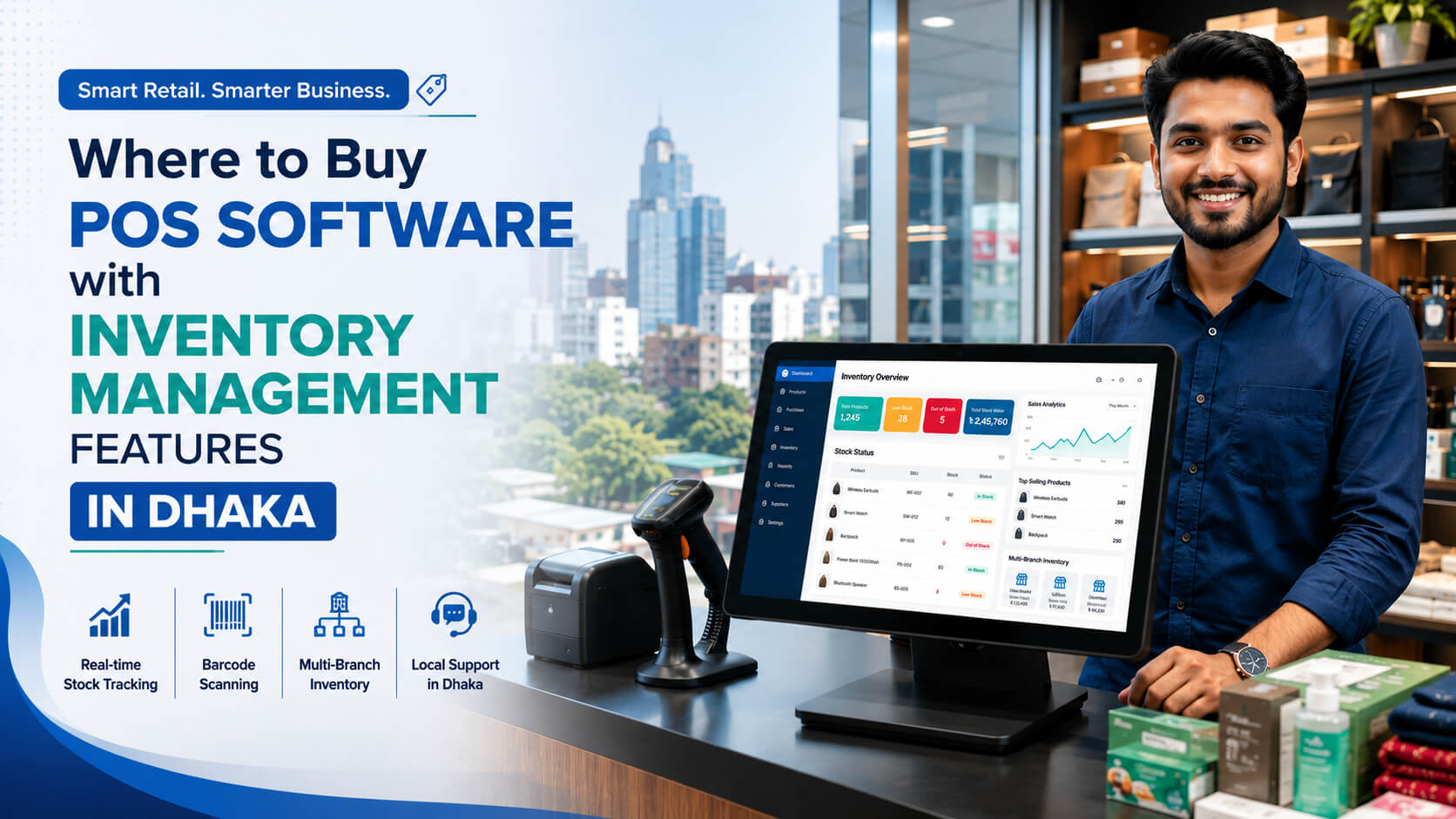
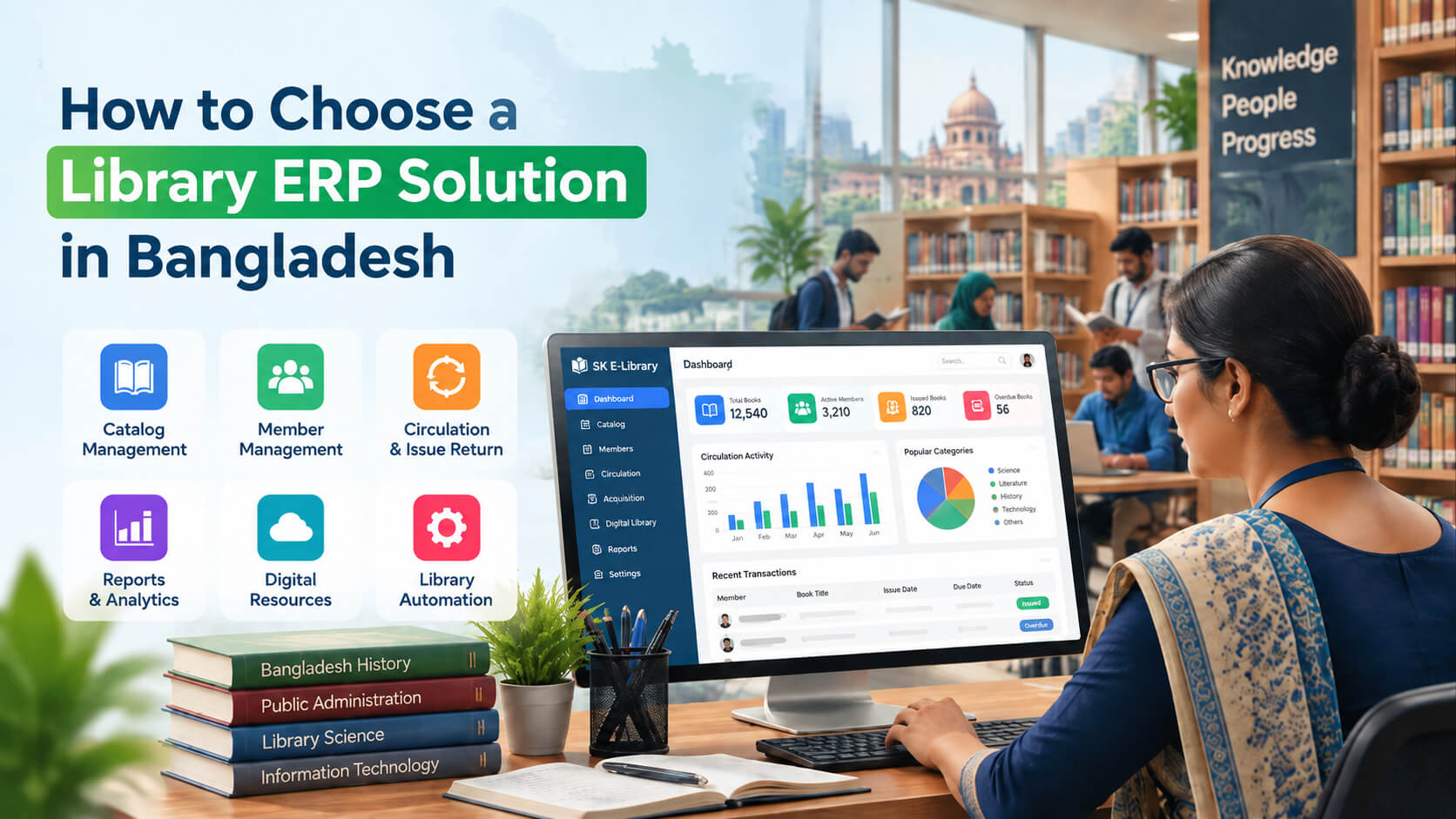
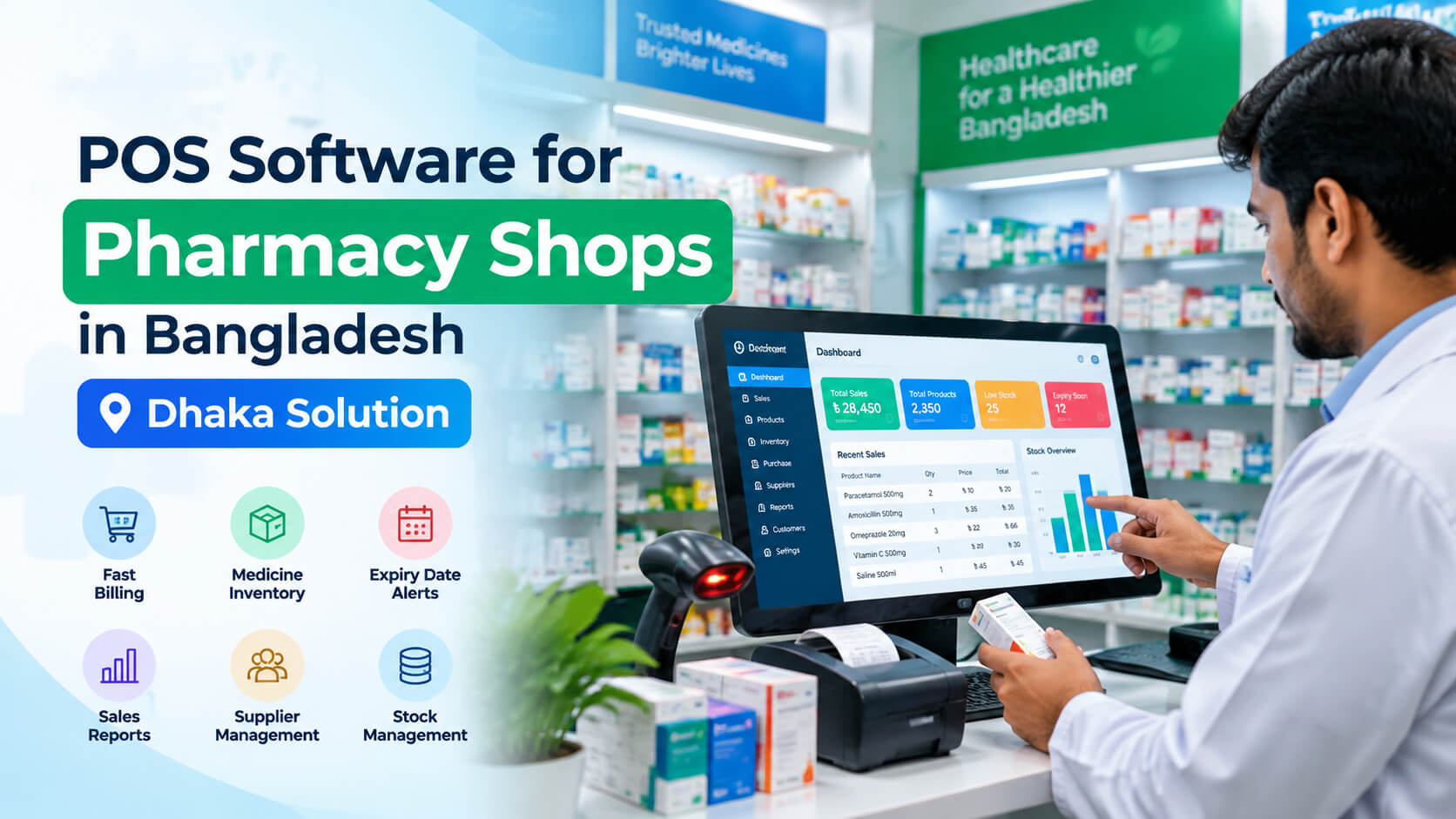
The best place to buy POS software with inventory management features in Dhaka is from an established software company that provides implementation, training, data migration, hardware configuration, and dependable local support, not just a software login. A suitable POS system should process sales while automatically updating stock, purchases, returns, supplier records, and management reports.
For businesses in Dhaka, working with a local POS software provider also makes it easier to arrange demonstrations, explain industry specific requirements, train employees, and receive support after launch.
SK Soft Solutions offers POS software for retail shops, restaurants, pharmacies, apparel stores, electronics businesses, wholesalers, and multi branch companies. Its published POS platform includes inventory tracking, barcode management, sales reporting, customer management, cloud and offline functionality, and centralized branch control.
What Is POS Software with Inventory Management?
POS software with inventory management is a system that records sales and automatically adjusts the quantity of each product in stock.
Instead of using one application for billing and another spreadsheet for inventory, the business manages both activities from a centralized platform.
A complete system can help a company:
- ✅ Create sales invoices
- ✅ Scan product barcodes
- ✅ Update stock after every sale
- ✅ Record purchases from suppliers
- ✅ Process sales and purchase returns
- ✅ Set low-stock alerts
- ✅ Transfer products between branches
- ✅ Track product costs and selling prices
- ✅ Monitor profit and loss
- ✅ Generate sales and inventory reports
- ✅ Control employee access
- ✅ Review stock from different locations
How a POS inventory system works
The basic workflow is:
Purchase stock → Receive products → Update inventory → Sell products → Deduct stock automatically → Review reports → Reorder products
For example, if a shop in Dhanmondi receives 50 shirts and sells eight, the system should show 42 shirts remaining without requiring a separate spreadsheet update.
That automatic connection between sales and inventory is the main reason businesses move from manual billing to a modern POS system.
Where to Buy POS Software with Inventory Management Features in Dhaka
Businesses can purchase POS software through several channels, but the quality of implementation and support can vary significantly.
1. Buy directly from a local software company
For most Dhaka businesses, buying directly from a software company is the safest option.
A local provider can assess:
- ✅ The type of business
- ✅ The number of products
- ✅ The number of outlets
- ✅ The daily transaction volume
- ✅ The required reports
- ✅ Employee roles
- ✅ Hardware requirements
- ✅ Internet availability
- ✅ Accounting or e-commerce integrations
This assessment matters because a restaurant in Gulshan, a pharmacy in Mirpur, and an electronics shop in Bashundhara do not have identical requirements.
A restaurant may need table and kitchen order management. A pharmacy may need batch and expiry tracking. An electronics store may need IMEI, serial number, warranty, and repair management.
2. Purchase from an authorized reseller
Some vendors sell POS licenses through authorized resellers or implementation partners. This can work when the reseller is properly trained and provides documented support.
Before purchasing, verify:
- ✅ Who owns and develops the software
- ✅ Who will provide updates
- ✅ Who will manage backups
- ✅ Who will handle technical problems
- ✅ Whether support is available directly from the developer
- ✅ What happens if the reseller stops operating
3. Subscribe to a cloud POS platform
Cloud POS software is generally accessed through a web browser. It can be useful for owners who want to monitor their shops remotely or manage several branches from one dashboard.
However, Dhaka businesses should not choose a cloud platform without checking how it performs during an internet interruption.
Ask the provider:
- ✅ Can billing continue offline?
- ✅ Where are offline transactions stored?
- ✅ How does synchronization work?
- ✅ Can duplicate invoices occur after reconnection?
- ✅ What happens to stock figures during an outage?
- ✅ Is a backup internet connection recommended?
4. Avoid unsupported or cracked POS software
Low-cost or pirated POS programs can expose a business to serious operational risks.
Possible problems include:
- ❌ Malware
- ❌ Missing security updates
- ❌ Database corruption
- ❌ No backup support
- ❌ Sudden software failure
- ❌ Inaccurate reports
- ❌ Unauthorized access
- ❌ No legal license
- ❌ Inability to recover business data
A retail operation may lose far more from one day of downtime or corrupted inventory than it saves by installing unsupported software.
Why Dhaka Businesses Need Inventory-Enabled POS Software
Dhaka businesses often operate in high volume, competitive environments. Grocery stores, restaurants, clothing shops, pharmacies, electronics retailers, wholesalers, and distributors must process transactions quickly while maintaining accurate stock records.
Manual processes become difficult as the operation grows.
Faster billing during busy periods
A crowded supermarket in Uttara or restaurant in Banani cannot keep customers waiting while employees search for prices or calculate totals manually.
A well-configured POS system can improve checkout speed through:
- ✅ Barcode scanning
- ✅ Saved product prices
- ✅ Automatic calculations
- ✅ Discount rules
- ✅ Multiple payment methods
- ✅ Printed or digital receipts
Better control over stock
Without connected inventory management, a business may not know:
- ✅ Which products are available
- ✅ Which products are running low
- ✅ Which items are overstocked
- ✅ Which items are selling slowly
- ✅ Which products have been damaged
- ✅ Whether employees have made unauthorized adjustments
Real-time inventory is especially valuable for businesses operating from separate sales counters, storerooms, warehouses, or branches.
Centralized multi-branch management
A business with outlets in Gulshan, Dhanmondi, Uttara, and Mirpur should not have to call each branch to ask for its sales and stock figures.
Multi-branch POS software can provide:
- ✅ Branch-wise inventory
- ✅ Consolidated sales reports
- ✅ Central product management
- ✅ Stock transfers
- ✅ Controlled pricing
- ✅ Branch performance comparisons
- ✅ User-level permissions
SK POS publicly lists multi-store management, centralized reporting, real time inventory tracking, cloud synchronization, and multi-branch support among its capabilities.
Manual Inventory vs. POS Inventory Management
| Business activity |
Manual method |
POS inventory system |
| Completing a sale |
Calculator or handwritten invoice |
Product and price recorded automatically |
| Updating stock |
Separate register or spreadsheet |
Stock deducted after the sale |
| Finding low-stock items |
Physical inspection |
Low-stock report or reorder alert |
| Processing a return |
Manual correction |
Linked return and stock adjustment |
| Checking daily sales |
Add receipts manually |
Instant sales report |
| Monitoring branches |
Contact each location |
Centralized dashboard |
| Tracking employee actions |
Difficult to identify |
User log and permission controls |
| Calculating stock value |
Manual calculation |
Inventory valuation report |
| Reviewing profit |
Separate accounting work |
Sales and profit summary |
Essential Features to Look for Before Buying POS Software
Not every POS platform includes strong inventory management. Some systems are mainly digital cash registers with limited stock features.
Before purchasing, ask for a live demonstration of the following capabilities.
Real-time inventory updates
Inventory should update when users:
- ✅ Complete a sale
- ✅ Cancel an invoice
- ✅ Process a return
- ✅ Receive a purchase
- ✅ Make a stock adjustment
- ✅ Transfer stock
- ✅ Mark products as damaged
Ask the provider to demonstrate these actions instead of relying on a brochure.
Product and SKU management
The system should support:
- ✅ Product names
- ✅ SKU numbers
- ✅ Barcodes
- ✅ Categories
- ✅ Brands
- ✅ Cost prices
- ✅ Selling prices
- ✅ Units of measurement
- ✅ Product variants
- ✅ Tax settings
- ✅ Reorder levels
Fashion businesses should be able to track size, color, and style combinations separately.
Barcode generation and scanning
Barcode functionality improves both checkout speed and stock accuracy.
A suitable system should allow businesses to:
- Use existing manufacturer barcodes.
- Create internal barcodes.
- Print barcode labels.
- Scan products during sales.
- Scan products during stock counts.
- Search for products by barcode or SKU.
SK POS lists barcode generation, printing, and scanning as part of its platform.
Purchase and supplier management
Inventory management begins before a product reaches the sales floor.
The system should help users:
- ✅ Add suppliers
- ✅ Create purchase records
- ✅ Receive stock
- ✅ Record supplier invoices
- ✅ Track purchase costs
- ✅ Process purchase returns
- ✅ Review supplier balances
- ✅ View purchase history
Low-stock alerts and stock forecasting
Low stock alerts help prevent lost sales. Stock forecasting can also help businesses make purchasing decisions using historical sales data.
For example, a store may discover that a particular item sells faster before Eid, during wedding seasons, or at the beginning of a school term.
SK POS advertises reorder-point management, real-time stock tracking, and stock forecasting based on historical information.
Sales, returns, and exchange management
Returns and exchanges are common sources of inventory errors.
The system should clearly distinguish among:
- ✅ Sales returns
- ✅ Product exchanges
- ✅ Damaged returns
- ✅ Canceled invoices
- ✅ Purchase returns
- ✅ Warranty replacements
Every action should leave an audit record.
Multi-branch inventory control
Businesses with several locations should look for:
- ✅ Separate branch stock
- ✅ Centralized product records
- ✅ Branch-specific prices
- ✅ Stock transfers
- ✅ Transfer approval
- ✅ Stock-in-transit reporting
- ✅ Consolidated reports
- ✅ Branch-level profitability
User permissions and audit logs
Not every employee should have administrator access.
A business may need separate roles for:
- ✅ Owner
- ✅ Manager
- ✅ Cashier
- ✅ Accountant
- ✅ Storekeeper
- ✅ Inventory officer
- ✅ Branch supervisor
The system should record who changed a price, processed a return, canceled an invoice, added a discount, or adjusted stock.
Sales and management reporting
Useful reports include:
- ✅ Daily sales
- ✅ Monthly sales
- ✅ Product wise sales
- ✅ Category wise sales
- ✅ Cashier performance
- ✅ Branch performance
- ✅ Gross profit
- ✅ Current inventory
- ✅ Inventory valuation
- ✅ Low stock products
- ✅ Fast moving products
- ✅ Slow moving products
- ✅ Purchase history
- ✅ Supplier balances
Reports are valuable only when the underlying data is entered correctly. A sophisticated dashboard cannot compensate for missing purchases, duplicate products, or unrecorded stock damage.
Choosing POS Software for Different Business Types
Retail and fashion stores
Retailers in Dhanmondi, New Market, Bashundhara, Banani, and Uttara may need:
- ✅ Size and color variants
- ✅ Barcode labels
- ✅ Exchanges
- ✅ Promotional discounts
- ✅ Customer purchase history
- ✅ Loyalty points
- ✅ Branch transfers
SK POS lists apparel inventory management for sizes, colors, and styles, as well as customer reward-point functionality.
Grocery stores and supermarkets
A grocery or minimart system should focus on:
- ✅ Fast barcode checkout
- ✅ Purchase receiving
- ✅ Reorder levels
- ✅ Expiry monitoring
- ✅ Cashier shifts
- ✅ Supplier records
- ✅ High transaction volumes
- ✅ Daily reconciliation
Restaurants and cafés
Restaurant POS software may require:
- ✅ Table management
- ✅ Order tracking
- ✅ Kitchen display integration
- ✅ Menu management
- ✅ Ingredient inventory
- ✅ Recipe costing
- ✅ Delivery orders
- ✅ Customer bills
- ✅ Employee permissions
The SK POS service page describes a restaurant edition with table management, order tracking, kitchen display functionality, and integrated payment options.
Pharmacies
A pharmacy should consider:
- ✅ Batch tracking
- ✅ Expiry dates
- ✅ Supplier history
- ✅ Purchase returns
- ✅ Reorder alerts
- ✅ Controlled access
- ✅ Detailed sales reports
The provider should configure the system according to the pharmacy's workflow and applicable legal, tax, and record keeping requirements.
Electronics and mobile shops
Electronics retailers often require:
- ✅ IMEI tracking
- ✅ Serial numbers
- ✅ Warranty details
- ✅ Repair orders
- ✅ Spare-parts inventory
- ✅ Product-specific profitability
SK POS publicly lists IMEI and serial number tracking, warranty control, and repair management features.
Wholesalers and distributors
Wholesalers in Motijheel, Tejgaon, Karwan Bazar, Old Dhaka, Narayanganj, or Gazipur may need:
- ✅ Multiple units of measurement
- ✅ Dealer pricing
- ✅ Credit sales
- ✅ Customer balances
- ✅ Warehouse management
- ✅ Bulk invoicing
- ✅ Stock transfers
- ✅ Sales representative reporting
Cloud POS vs. Desktop POS
| Feature |
Cloud POS |
Desktop or local POS |
Hybrid POS |
| Remote access |
Usually available |
Usually limited |
Usually available |
| Internet dependence |
Can be high |
Low |
Moderate |
| Multi-branch synchronization |
Strong |
May require extra setup |
Strong |
| Offline billing |
Depends on platform |
Usually available |
Usually available |
| Updates |
Often automatic |
May require installation |
Often synchronized |
| Local data storage |
Limited or optional |
Common |
Combination |
| Best for |
Remote and multi-branch management |
Single-location operations |
Businesses needing flexibility |
Which option is best for a Dhaka business?
A hybrid system is often a practical option when a company requires both remote access and checkout continuity during temporary connectivity problems.
Do not accept an "offline supported" claim without testing it.
During the demonstration:
- Add several products.
- Record the opening inventory.
- Disconnect the internet.
- Complete multiple sales.
- Process a return.
- Restore the connection.
- Check invoice synchronization.
- Confirm that stock quantities are correct.
- Look for duplicate transactions.
SK POS states that it supports cloud synchronization and offline billing with later data synchronization.
How Much Does POS Software Cost in Dhaka?
POS software costs depend on the number of branches, users, products, required features, hardware, training, hosting, customization, and support.
At the time of writing, the SK POS service page lists the following packages:
| Package |
Published software price |
Published setup information |
| Gold |
Tk 1,000 per month |
Tk 4,000 setup fee |
| Platinum |
Tk 15,000 per year |
Tk 4,000 setup fee |
| Diamond |
Tk 100,000 one-time |
Confirm final setup terms |
The published packages include inventory, warehouse and order management, multi-branch control, automatic stock updates, sales reporting, profit-and-loss summaries, real-time stock tracking, online training, and support. Prices and package terms can change, so businesses should request a current written quotation before purchasing.
Additional costs to include in the budget
The software fee may not be the complete project cost.
A business may also require:
- ✅ Desktop computer or tablet
- ✅ Receipt printer
- ✅ Barcode scanner
- ✅ Cash drawer
- ✅ Barcode label printer
- ✅ Customer display
- ✅ Router
- ✅ Network setup
- ✅ UPS or backup power
- ✅ Data migration
- ✅ Custom reports
- ✅ On-site training
- ✅ E-commerce integration
- ✅ Accounting integration
Questions to ask about hidden costs
Ask whether the quotation includes:
- ✅ Software updates
- ✅ Technical support
- ✅ Additional users
- ✅ Additional branches
- ✅ Cloud storage
- ✅ Data backups
- ✅ Data restoration
- ✅ SMS services
- ✅ On-site visits
- ✅ Customization
- ✅ Renewal fees
- ✅ Hardware maintenance
Compare the total first-year cost, not only the monthly subscription.
How to Evaluate a POS Software Company in Dhaka
Step 1: Define your requirements
Prepare a list covering:
- ✅ Business type
- ✅ Number of products
- ✅ Number of branches
- ✅ Number of users
- ✅ Daily sales volume
- ✅ Required reports
- ✅ Current software
- ✅ Required hardware
- ✅ Existing product data
- ✅ Future expansion plans
Step 2: Request an industry-specific demonstration
Do not accept a generic presentation.
A fashion retailer should see product variants. An electronics store should see serial-number tracking. A restaurant should see table and kitchen workflows.
Step 3: Test a complete transaction cycle
Ask the provider to demonstrate:
- Product creation
- Purchase entry
- Stock receiving
- Barcode printing
- Product sale
- Customer return
- Branch transfer
- Low-stock report
- Profit report
- Backup restoration
Step 4: Check implementation services
A professional implementation should include:
- ✅ Requirements assessment
- ✅ Software configuration
- ✅ Product-data preparation
- ✅ User creation
- ✅ Hardware testing
- ✅ Employee training
- ✅ Trial operation
- ✅ Go-live assistance
- ✅ Post-launch review
Step 5: Confirm data ownership
The business should know:
- ✅ Who owns the data
- ✅ Where it is stored
- ✅ How often it is backed up
- ✅ How it can be exported
- ✅ What happens when the subscription ends
- ✅ Whether backups can be restored independently
Step 6: Get everything in writing
The final scope should identify:
- ✅ Included modules
- ✅ User limits
- ✅ Branch limits
- ✅ Hardware
- ✅ Migration work
- ✅ Training
- ✅ Customizations
- ✅ Delivery milestones
- ✅ Payment terms
- ✅ Support terms
- ✅ Renewal conditions
Common Mistakes Dhaka Businesses Make When Buying POS Software
Choosing only by price
The cheapest package can become expensive if it lacks essential reports, branch management, backups, or support.
Buying before testing inventory workflows
Some buyers test only the invoice screen. They later discover that purchase returns, stock adjustments, or branch transfers do not match their workflow.
Importing poor-quality product data
Duplicate SKUs, inconsistent product names, and incorrect units can damage inventory accuracy from the first day.
Clean product data before migration.
Giving administrator access to everyone
Unrestricted access can result in unauthorized discounts, deleted invoices, or unexplained stock adjustments.
Ignoring employee training
Even strong software can fail when users do not understand returns, discounts, stock receiving, or cash reconciliation.
Failing to test backups
A backup should not be considered reliable until the provider has demonstrated that it can be restored.
POS Software Buying Checklist
Software checklist
- ✅ Automatic inventory updates
- ✅ Purchase and supplier management
- ✅ Sales returns and exchanges
- ✅ Barcode generation and scanning
- ✅ Low-stock alerts
- ✅ Product variants
- ✅ User permissions
- ✅ Audit logs
- ✅ Stock adjustments
- ✅ Inventory valuation
- ✅ Profit reporting
- ✅ Multi-branch control
- ✅ Offline functionality
- ✅ Data export
Implementation checklist
- ✅ Requirements consultation
- ✅ Product-data migration
- ✅ Hardware setup
- ✅ User training
- ✅ Trial operation
- ✅ Go-live support
- ✅ Backup configuration
- ✅ Written support process
Commercial checklist
- ✅ Setup cost
- ✅ Monthly or annual fee
- ✅ Renewal cost
- ✅ User limit
- ✅ Branch limit
- ✅ Customization cost
- ✅ Support fee
- ✅ On-site visit cost
- ✅ Data export rights
- ✅ Cancellation terms
POS Software in Dhaka and Nearby Areas
Businesses across Dhaka have different operational requirements based on industry, shop size, product volume, and number of locations.
Gulshan and Banani
Restaurants, cafés, boutiques, and premium retailers in Gulshan and Banani may prioritize:
- ✅ Fast checkout
- ✅ Customer profiles
- ✅ Loyalty programs
- ✅ Multi-branch reporting
- ✅ Table management
- ✅ Management dashboards
Dhanmondi and Mohammadpur
Fashion stores, restaurants, electronics retailers, bookstores, and specialty shops in Dhanmondi and Mohammadpur may benefit from:
- ✅ Barcode inventory
- ✅ Product variants
- ✅ Purchase management
- ✅ Customer history
- ✅ Sales analytics
Uttara and Tongi
Growing retailers, pharmacies, restaurants, and supermarkets in Uttara and Tongi may require:
- ✅ Multi-branch capability
- ✅ Centralized stock
- ✅ Cloud reporting
- ✅ Supplier management
- ✅ Low-stock alerts
Mirpur
Retail shops, grocery stores, apparel businesses, pharmacies, and electronics stores in Mirpur often need:
- ✅ Affordable deployment
- ✅ Fast billing
- ✅ Barcode support
- ✅ Stock control
- ✅ User permissions
- ✅ Daily sales reports
Motijheel, Tejgaon, and Karwan Bazar
Wholesalers, distributors, warehouses, and corporate sales operations in these commercial areas may prioritize:
- ✅ Customer credit
- ✅ Bulk invoicing
- ✅ Purchase management
- ✅ Warehouse control
- ✅ Stock transfers
- ✅ Financial reporting
Bashundhara, Badda, and Rampura
New retailers, restaurants, service businesses, and online sellers may need:
- ✅ Scalable subscriptions
- ✅ E-commerce integration
- ✅ Customer management
- ✅ Delivery-order tracking
- ✅ Central dashboards
Wari, Jatrabari, and Old Dhaka
Traditional retailers and wholesalers transitioning from manual records may require:
- ✅ Simple employee workflows
- ✅ Multiple product units
- ✅ Credit sales
- ✅ Supplier balances
- ✅ High-SKU inventory
- ✅ Training and data migration
Savar, Keraniganj, Gazipur, and Narayanganj
Warehouses, distributors, factory outlets, and multi-location businesses near Dhaka may benefit from:
- ✅ Centralized inventory
- ✅ Warehouse transfers
- ✅ Branch reporting
- ✅ Remote access
- ✅ User-level controls
- ✅ Scheduled implementation support
SK Soft Solutions publicly lists service coverage in Dhaka, Gazipur, Narayanganj, and surrounding areas. Businesses in Savar, Keraniganj, Tongi, and other nearby locations should confirm remote or on-site implementation availability when requesting a quotation.
POS Software Maintenance and Inventory Prevention Tips
Installing the software is only the beginning. Accurate inventory requires regular operational discipline.
Reconcile sales every day
Compare:
- ✅ POS sales
- ✅ Cash received
- ✅ Card payments
- ✅ Mobile payments
- ✅ Discounts
- ✅ Returns
- ✅ Canceled invoices
Review negative inventory
Negative stock may indicate:
- ✅ A missing purchase
- ✅ An incorrect unit
- ✅ A duplicate product
- ✅ A synchronization problem
- ✅ Unauthorized sales
- ✅ Incorrect branch selection
Count high-value products regularly
Electronics, mobile devices, premium apparel, and other high-value products should be counted more frequently than low-risk items.
Review stock adjustments
Every manual adjustment should include:
- ✅ A reason
- ✅ The employee's name
- ✅ The date
- ✅ The previous quantity
- ✅ The new quantity
- ✅ Manager approval where appropriate
Maintain clean product records
Use standard formats for:
- ✅ Product names
- ✅ SKU codes
- ✅ Categories
- ✅ Brands
- ✅ Units
- ✅ Sizes
- ✅ Colors
- ✅ Barcodes
Protect login credentials
Employees should never share accounts. Individual accounts make audit logs more useful and reduce unauthorized activity.
Test backups regularly
A suggested maintenance schedule is:
| Maintenance task |
Recommended frequency |
| Reconcile sales and payments |
Daily |
| Review negative stock |
Daily |
| Review adjustments and returns |
Daily |
| Check low-stock products |
Daily or weekly |
| Count high-value products |
Weekly |
| Review employee permissions |
Monthly |
| Test backup restoration |
Quarterly |
| Review hardware condition |
Quarterly |
| Complete full physical inventory |
Based on sales volume |
Why Choose Us for POS Software in Dhaka
SK Soft Solutions provides POS software designed to manage billing, inventory, customers, sales, reporting, and multi-branch operations from one system.
Industry-specific capabilities
SK POS offers published solutions for:
- ✅ Retail shops
- ✅ Pharmacies
- ✅ Electronics stores
- ✅ Apparel businesses
- ✅ Restaurants
- ✅ Grocery stores
- ✅ Wholesalers
- ✅ Service-based companies
Inventory and business management
Available published capabilities include:
- ✅ Real-time stock tracking
- ✅ Automatic stock updates
- ✅ Barcode management
- ✅ Warehouse management
- ✅ Stock forecasting
- ✅ Product records
- ✅ Customer management
- ✅ Sales reporting
- ✅ Multi-store management
- ✅ IMEI and serial-number tracking
- ✅ Repair management
- ✅ VAT reporting
Cloud and offline flexibility
The platform is presented as supporting both cloud and offline operations, helping businesses maintain billing continuity while also managing centralized reports and multiple locations.
Setup, training, and ongoing support
The company's service page lists setup assistance, online training, and continuing customer support as part of its POS offering. Exact support hours, response times, and on-site coverage should be confirmed in the final service agreement.
Local presence
SK Soft Solutions lists its office at Road 12, House 209, Mohakhali DOHS, Dhaka 1206, Bangladesh.
Get POS Software with Inventory Management in Dhaka
The right POS software should do more than print receipts. It should give you accurate stock information, faster billing, controlled employee access, useful reports, and a clearer view of business performance.
Before making a decision, request a live demonstration using your actual workflow. Test purchases, sales, returns, stock transfers, offline billing, reporting, and backups. Then ask for a written quotation showing the full first year cost.
Ready to improve your billing and stock management?
Explore SK POS software in Bangladesh and request a live demonstration
Frequently Asked Questions (FAQs)
1. Where can I buy POS software with inventory management in Dhaka?
You can buy it from a Dhaka-based software company that provides inventory tracking, implementation, employee training, and ongoing support.
2. How much does POS software cost in Dhaka?
POS software costs vary by package, users, branches, hardware, and custom features, with subscription and one-time purchase options commonly available.
3. Can POS software manage more than one Dhaka branch?
Yes, multi-branch POS software can centralize products, inventory, stock transfers, sales reports, and user permissions across several locations.
4. Does POS software work without the internet?
Some desktop and hybrid POS systems can continue billing offline and synchronize transactions when connectivity returns.
5. Is POS software suitable for a small retail shop in Mirpur or Uttara?
Yes, a small shop can use POS software to manage billing, barcodes, stock levels, purchases, sales, and daily reports.
6. What inventory features should a Dhaka business look for?
Look for real-time stock updates, barcode support, purchase management, returns, low-stock alerts, user permissions, audit logs, and inventory reports.
7. Can a POS company transfer my existing spreadsheet data?
Yes, many providers can migrate product and opening-stock data, but the spreadsheet should be cleaned and checked before import.