17 October, 2026
School Management Software: Features & Benefits in 2026
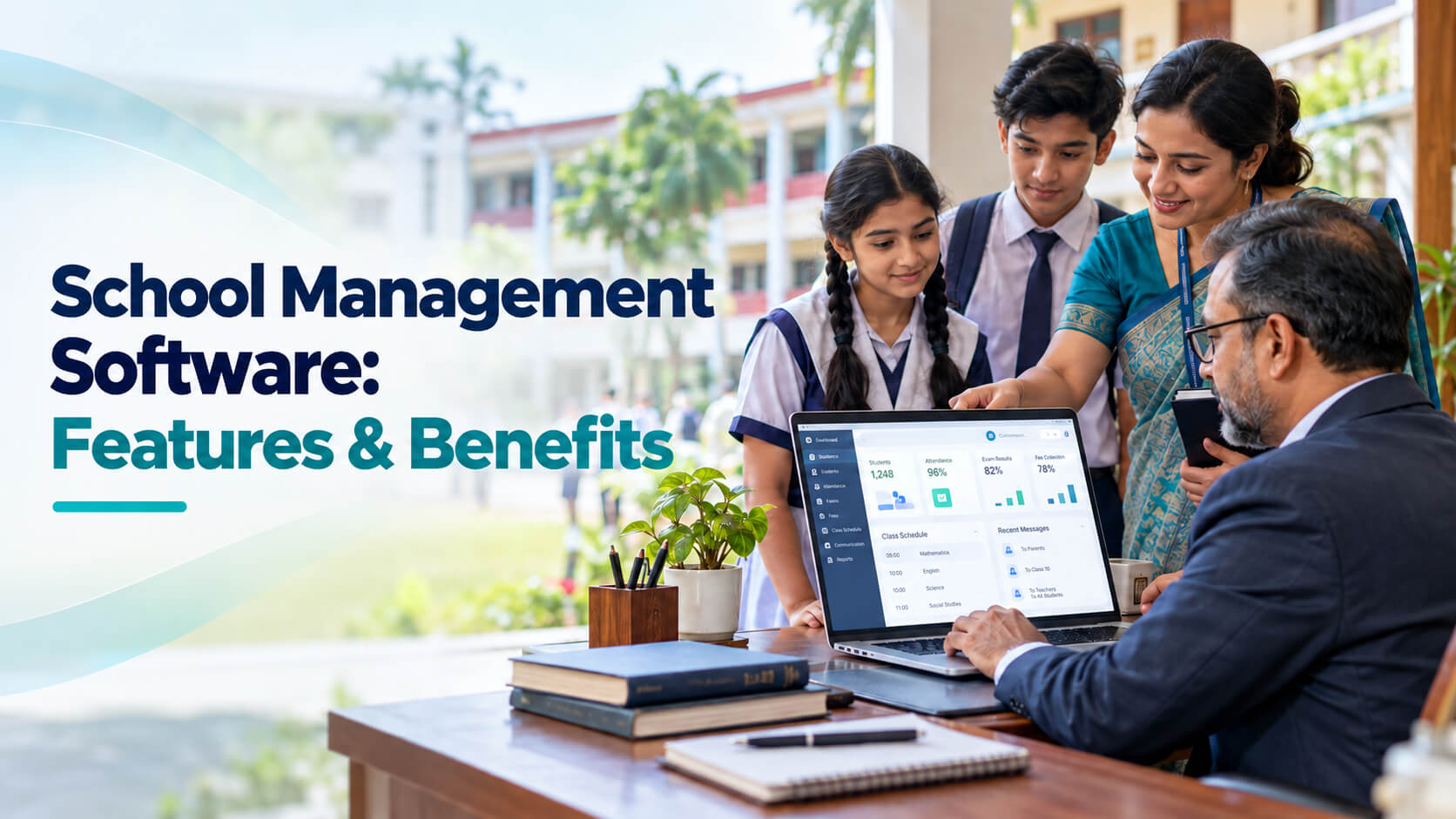
Managing a school involves a lot of daily work, from keeping student records and tracking attendance to collecting fees and preparing exam results. School management software helps schools in Bangladesh handle these tasks more easily, stay organized, and keep parents informed. Learn about the key features, benefits, and costs to find the right solution for your school.
Managing student records, collecting tuition fees, preparing examination results, tracking attendance, and communicating with parents can create a significant administrative workload for schools. When these activities rely on paper registers, spreadsheets, and disconnected applications, staff may spend more time managing records than supporting students. For schools in Bangladesh, the right digital solution should do more than store student information. It should support local academic workflows, simplify fee management, improve communication with guardians, and provide administrators with reliable operational reports. School management software offers a practical way to connect these activities in one platform. This guide explains its essential features, benefits, pricing considerations, and implementation requirements to help school owners, principals, and IT managers choose a solution that fits their institution. School management software is a digital platform that helps schools in Bangladesh manage admissions, student records, attendance, examinations, fees, staff information, and parent communication from one system. The right solution reduces duplicate data entry, improves reporting, and supports better administrative decisions. Schools should evaluate local curriculum requirements, payment workflows, security, customer support, and total cost before purchasing. School management software is a digital platform designed to organize and automate a school's academic and administrative operations. It brings essential activities, such as student registration, attendance tracking, examination management, fee collection, and communication, into a connected system. It is also commonly described as a school management system, school ERP software, or, in a broader institutional context, education management software. Instead of maintaining separate records for admissions, accounts, examinations, and attendance, staff can work with information stored in a centralized database. Authorized users can access the information relevant to their responsibilities. For example, when an administrator registers a new student, the system may create a student profile that can subsequently be used by teachers for attendance, the accounts team for fee collection, and the examination department for results. The exact capabilities depend on the product and its configuration. A school management platform is different from a learning management system (LMS). An LMS primarily supports teaching, course materials, assignments, and online learning, while school management software focuses on running the institution. Some products combine both capabilities. Schools in Bangladesh may operate under different curricula, administrative structures, and resource constraints. A Bangla-medium school, an English-medium institution, a madrasa, and a multi-campus educational organization will not necessarily need identical software. However, many share a need for accurate student records, organized fee collection, dependable examination processes, and timely communication with guardians. A suitable system can address these needs in several ways. Digital admissions, attendance registers, and report generation can reduce repetitive data entry and manual paperwork. Accounts staff can track charges, payments, outstanding balances, and receipts more consistently. Teachers and examination coordinators can maintain marks, calculate results according to configured rules, and prepare report cards. SMS alerts, mobile applications, and notifications can help schools communicate attendance issues, examination dates, payment reminders, and announcements. Administrators can access consolidated information rather than collecting separate spreadsheets from multiple departments. Bangladesh also has official digital education administration channels. For example, the Bangladesh Bureau of Educational Information and Statistics (BANBEIS) announced a fully digital annual education survey for post-primary institutions in 2026, while the Directorate of Secondary and Higher Education operates an Education Management Information System with institutional and staff-related modules. These systems illustrate the importance of structured educational records, although schools should verify their own reporting requirements and should not assume that commercial software automatically integrates with government portals. The most useful school management software features are those that solve recurring operational problems. Before comparing vendors, identify which functions your institution needs immediately and which can be introduced later. A student information system software module stores and organizes essential student records. Typical capabilities include: A centralized student database helps prevent inconsistent information across departments. It also makes it easier for authorized staff to retrieve records when needed. When evaluating this feature, check whether the platform supports your admission process, required fields, document formats, and academic structure. Attendance management allows teachers or authorized staff to record student attendance digitally. Depending on the product, schools may also receive: For example, a class teacher could record attendance in the system at the beginning of the school day. An administrator could then review attendance patterns and identify students who may require follow-up. Biometric attendance can be useful for certain institutions, but it is not essential for every school. Consider its cost, maintenance requirements, and the sensitivity of any biometric data before adopting it. Examination management is particularly important for schools that conduct regular class tests, term examinations, and annual assessments. A suitable platform may provide: For institutions following Bangladesh's national curriculum, verify that the software can accommodate the relevant examination formats and grading rules. Schools following English-medium or madrasa curricula should similarly confirm compatibility with their own assessment requirements. Do not assume that a vendor supports every curriculum simply because it advertises examination management. Financial administration is another major area where a school ERP software solution can provide value. Relevant features include: For schools in Bangladesh, ask whether the platform supports fees in Bangladeshi taka (BDT) and whether it can integrate with the institution's preferred payment providers, such as bKash or Nagad, where supported. A payment button alone is not enough. The school should understand how transactions are matched to student accounts, how failed payments are handled, and how finance staff reconcile settlement records. School administration software should make communication easier without creating another disconnected channel. Useful capabilities include: For institutions serving families with different levels of smartphone or internet access, SMS can remain a practical communication option. Check message costs, delivery reports, language support, and whether notifications can be sent to the correct guardian without exposing information to unauthorized recipients. Larger institutions may benefit from additional modules, including: Not every school needs every module. A small institution may gain more from reliable admissions, attendance, examinations, and accounting than from a complex platform with many unused features. A well-designed education management system should provide more than data storage. Look for dashboards that summarize enrollment, attendance, fee collection, outstanding payments, and academic results. Confirm that reports can be exported in usable formats and that administrators can filter them by class, section, date, or academic year. Security features should include role-based permissions, secure authentication, backups, audit logs where appropriate, and a clear process for recovering or exporting data. Finally, check whether the platform integrates with the tools your school already uses. Integration requirements might include payment services, SMS gateways, accounting applications, or existing student databases. The school management software benefits depend on how well the product fits existing workflows and how consistently staff use it. These benefits are not automatic. Poor data migration, unclear responsibilities, insufficient training, and unreliable internet access can limit the value of an otherwise capable system. Schools should measure results against specific operational goals, such as the time needed to prepare report cards, the number of unresolved payment discrepancies, or the speed of retrieving student records. Not every educational institution needs a full school ERP. The appropriate system depends on which processes require improvement. For many schools, an integrated school management system is a practical starting point when several departments need to work from shared records. However, a smaller institution with one clearly defined problem may be better served by a simpler solution. The best school management software is not necessarily the platform with the longest feature list. It is the one that meets the institution's operational requirements, fits its budget, protects its data, and can be supported over time. Use the following process to evaluate vendors. List the current administrative problems before scheduling product demonstrations. For example, your priority list might include student admissions, daily attendance, examination results, fee collection, guardian communication, and management reports. Separate essential requirements from optional features. This prevents vendors from influencing the decision through attractive but unnecessary functions. Ask the vendor to demonstrate your actual workflows. Verify support for relevant curricula, grading rules, class structures, Bangla and English communication, BDT fee records, and required reporting formats. If the school needs mobile financial services or government reporting integrations, request a demonstration of the specific integration rather than relying on a general claim of compatibility. Cloud-based software is generally accessed through an internet connection and managed infrastructure, while on-premises software runs on infrastructure controlled by the institution. Cloud systems may simplify remote access and maintenance, but they depend on connectivity and the vendor's security and availability practices. On-premises systems may offer more direct infrastructure control, but the school must plan for maintenance, backups, security updates, and recovery. Ask about offline functionality if connectivity is unreliable. Student records, guardian contact details, financial information, and staff records require careful handling. Ask each vendor: Confirm applicable data protection obligations with an appropriate legal or compliance adviser. Do not assume that a vendor's security claims alone establish compliance. A useful demo should reflect the school's real work. Ask the vendor to demonstrate how to register a student, record attendance, collect and reconcile a fee, enter examination marks, generate a report card, and send a guardian notification. Observe the number of steps required, the clarity of the interface, and the effort needed to correct mistakes. Also request a trial or pilot when available. Review the full financial commitment, including implementation, migration, training, messaging, payment integrations, support, and future upgrades. Request written quotations with clear inclusions and exclusions. The cheapest initial package may become more expensive if essential modules or integrations require additional fees. Ask who will train administrators and teachers, how support requests are handled, and what response times the vendor commits to. Confirm whether support is available in the school's preferred language and during the hours when staff need assistance. A technically capable system may still fail to deliver value if employees cannot get help when problems occur. School management software pricing varies according to the number of students, selected modules, deployment model, customization, integrations, and level of support. Common pricing models include: There is no single reliable price that applies to every school. Ask vendors for current quotations in BDT and confirm whether taxes, implementation, training, messaging credits, hosting, and technical support are included. Calculate the total cost over at least the initial contract period and consider the likely cost of expanding the system later. Consider a hypothetical secondary school that manages student admissions, attendance, monthly fees, and examinations using separate spreadsheets and paper registers. At the start of the academic year, the administration records new admissions in the student database and assigns students to classes. Teachers record attendance through the system, while authorized staff review absences and follow up with guardians. The accounts department records fee payments and reconciles transactions against the relevant student accounts. Before examinations, staff prepare schedules and enter marks according to the school's configured grading rules. Once results are checked, the system generates report cards. Management can then review enrollment, attendance, outstanding fees, and academic performance using consolidated reports. The key advantage is not simply digitization. It is the ability to connect related tasks while maintaining consistent records. Actual time savings will depend on the school's starting processes, data quality, implementation, and staff adoption. Schools can reduce implementation risks by avoiding these common mistakes: A staged rollout is often more manageable than activating every module at once. Start with high-priority functions, resolve issues, and then expand. Before committing to a system, use this practical checklist: Track a few measurable indicators, such as the time required to publish results, the frequency of fee reconciliation errors, and the time needed to retrieve student records. These measurements help the school decide whether the investment is delivering practical value. School management software is used to organize academic and administrative activities in one platform. Depending on the product, it can manage admissions, student records, attendance, examination results, fee collection, staff information, and parent communication. Schools use it to reduce disconnected records, improve reporting, and make routine administration more consistent. A school management system should usually include student information management, admissions, attendance, examination and result processing, fee collection, and parent communication. Schools should also evaluate reporting, security, backups, and data export. Additional features such as transport, payroll, library management, and online learning should be selected according to the institution's actual requirements. The cost depends on enrollment, modules, deployment, customization, integrations, and support. Some vendors charge recurring subscriptions, while others use per-student pricing, module-based packages, licensing fees, or custom project quotations. Request an itemized quotation in BDT and compare implementation, training, messaging, maintenance, and renewal costs before deciding. Some platforms may support integrations with bKash, Nagad, or other payment providers, but availability depends on the vendor and the payment service's integration arrangements. Confirm the specific supported service, transaction reconciliation process, payment failure handling, and applicable charges. Ask for a live demonstration before treating payment integration as a purchasing requirement that has been met. Cloud-based software can simplify remote access, hosting, and maintenance, while on-premises deployment provides more direct control over local infrastructure. Cloud services still depend on connectivity and the provider's reliability; on-premises systems require internal maintenance, security, and backup arrangements. The better option depends on the school's connectivity, IT capacity, security requirements, and total budget. It can support examination and result processing if the vendor has configured the relevant assessment formats and grading rules. Schools should verify support for their specific curriculum, subjects, marks structures, and report formats. They should also confirm whether the software prepares internal academic records only or supports any required external reporting or integration. Implementation time depends on the number of students, the modules being deployed, data quality, customization, and staff availability. A small school using standard workflows may need less preparation than a multi-campus institution migrating several years of records. Ask the vendor for a phased implementation plan with defined responsibilities, testing, training, and acceptance criteria. Schools should use role-based access, strong authentication, secure data transmission, tested backups, audit logs where appropriate, and documented incident-response procedures. They should also review data ownership, retention, export, deletion, and vendor access terms. Before implementation, confirm applicable privacy and data protection obligations and ensure that staff understand how student information must be handled. School management software can help educational institutions in Bangladesh connect admissions, attendance, examinations, fee collection, and parent communication through more consistent workflows. The right solution depends on the school's curriculum, size, administrative priorities, available budget, and technical capacity. A careful evaluation should cover essential features, local payment requirements, security, data ownership, implementation support, and long-term costs. For school owners and administrators, the best next step is to document the most time-consuming administrative problems and request a demonstration based on actual school workflows. Comparing vendors against the same requirements will make the final decision more practical and transparent. If your institution is evaluating a digital management platform, start with its highest-priority operational needs and expand the system as staff become comfortable with the new processes.Direct Answer
What Is School Management Software?
Why Do Schools in Bangladesh Need a School Management System?
1. Simplify routine administration
2. Improve fee collection records
3. Support academic administration
4. Improve communication with guardians
5. Strengthen institutional reporting
What Are the Essential School Management Software Features?
1. Student Information and Admission Management
2. Attendance and Timetable Management
3. Examination and Result Management
4. Fee Collection and Accounting
5. Parent and Teacher Communication
6. Staff, Library, Transport, and Other Modules
7. Reporting, Security, and Integrations
What Are the Main School Management Software Benefits?
Benefit Practical value for a school Less repetitive administration Reduces duplicate entry across routine tasks More consistent student records Makes information easier to maintain and retrieve Clearer fee tracking Helps staff identify outstanding balances and reconcile payments Faster result processing Reduces repetitive calculations when grading rules are configured correctly Better parent communication Makes announcements and important updates easier to distribute More useful reporting Gives management a clearer view of attendance, enrollment, and finances Improved accountability Helps authorized staff track changes and responsibilities Easier institutional growth Supports more structured workflows as student numbers or campuses increase How Do Different Education Management Solutions Compare?
Solution type Best suited for Main limitation Student information system Institutions prioritizing enrollment and academic records May lack comprehensive accounting and HR features School ERP software Schools needing connected academic and administrative operations May require more setup and staff training Learning management system Online teaching, assignments, and digital learning Usually does not replace school finance or admissions systems Standalone fee management software Institutions focused on payments and outstanding balances Creates separate records unless integrated with other tools Custom education management software Institutions with specialized workflows Can involve higher development, maintenance, and upgrade costs How to Choose the Best School Management Software in Bangladesh
Step 1: Identify the School's Requirements
Step 2: Check Local Academic and Financial Compatibility
Step 3: Compare Cloud-Based and On-Premises Deployment
Step 4: Evaluate Security and Data Ownership
Step 5: Request a Practical Demonstration
Step 6: Compare Total Cost, Not Just Subscription Price
Step 7: Assess Training and Ongoing Support
How Much Does School Management Software Cost in Bangladesh?
A Practical Example: How a School Can Use an Integrated System
Common Mistakes to Avoid When Buying School ERP Software
Expert Tips for Successful Implementation
Frequently Asked Questions
1. What is school management software used for?
2. Which features should a school management system have?
3. How much does school management software cost in Bangladesh?
4. Can school management software integrate with bKash or Nagad?
5. Is cloud-based or on-premises school management software better?
6. Can school management software handle SSC and HSC results?
7. How long does it take to implement a school management system?
8. How can schools protect student data when using education management software?
Conclusion