10 June, 2026
Benefits of Cloud-Based POS Software for Businesses
Cloud based POS software helps Dhaka businesses manage billing, inventory, payments, customers, staff, branches, and reports from one smart online system.
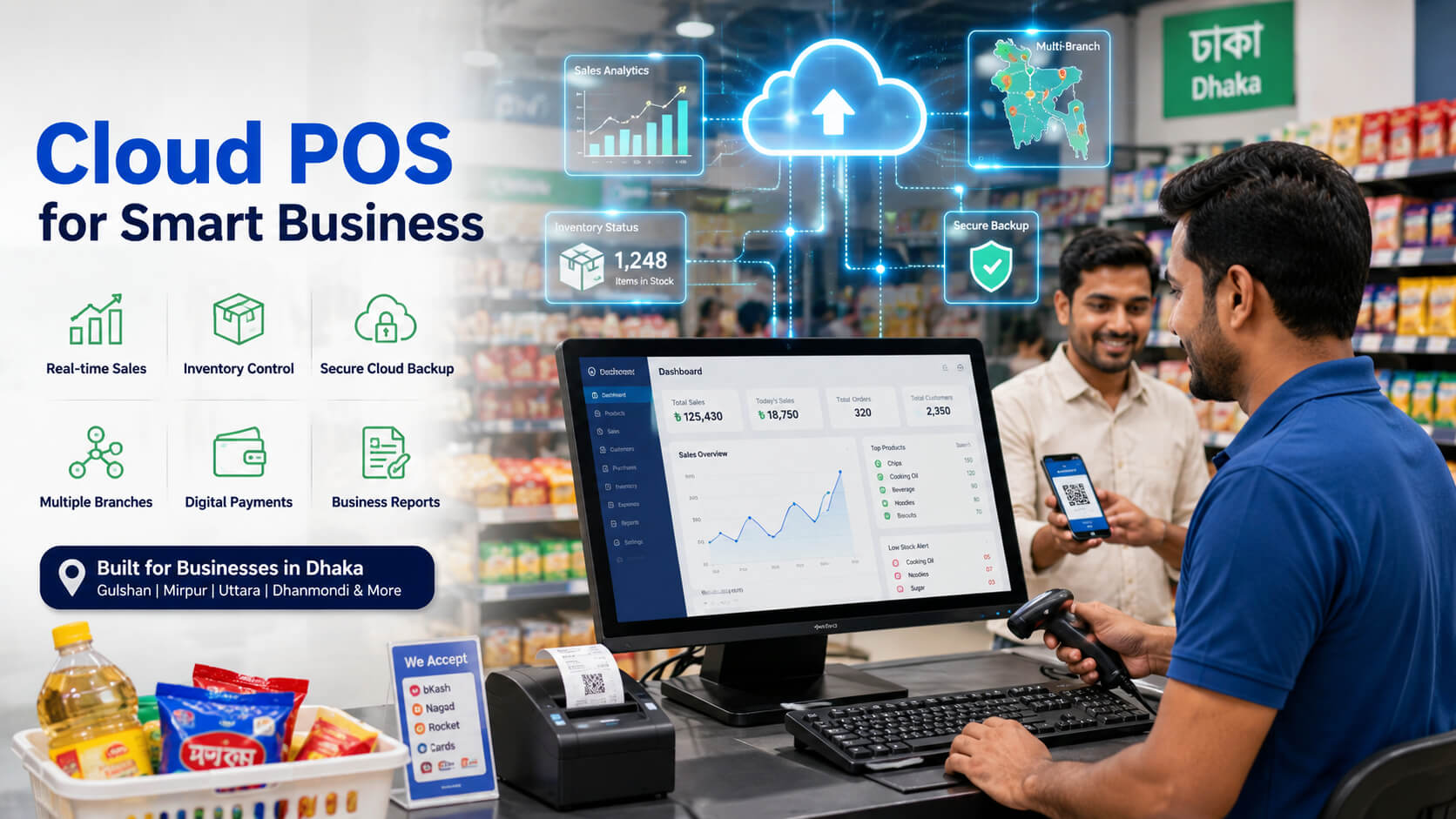
Cloud based POS software helps businesses manage sales, billing, inventory, customers, payments, staff activity, and reports from one online system. For businesses in Dhaka, the biggest benefits are faster checkout, real-time stock control, secure data backup, remote access, better reporting, and easier multi-branch management. If you run a retail shop, restaurant, pharmacy, supermarket, electronics store, apparel store, wholesale business, or service based company in Dhaka, cloud POS software can help you replace manual records, reduce billing mistakes, and make daily operations easier to control. In a busy city where customers expect fast service and business owners often manage operations across multiple locations, a modern POS system is no longer just a billing tool it is a complete business management solution. Cloud-based POS software is a point-of-sale system that stores business data online instead of keeping everything only on one computer. POS stands for “point of sale,” which means the place where a sale is completed. In simple terms, POS software helps you create invoices, accept payments, update stock, manage customers, track purchases, and view reports. A traditional POS system may work only on a specific desktop computer inside the shop. A cloud-based POS system, however, allows the owner or manager to access business data from anywhere with internet access. That means a business owner in Uttara can check sales from a shop in Mirpur, a restaurant owner in Banani can review daily orders from home, and a retail chain in Dhaka can monitor multiple outlets from one dashboard. Cloud-based POS software is an online business management system that handles sales, inventory, billing, payments, customer records, and reports in real time. A cloud POS system usually follows this process: This makes business operations more organized than using notebooks, spreadsheets, or disconnected billing software. Dhaka is one of the busiest business centers in Bangladesh. From Gulshan and Banani to Dhanmondi, Mirpur, Uttara, Mohammadpur, Motijheel, Tejgaon, Badda, Bashundhara, Jatrabari, and Old Dhaka, thousands of businesses handle daily sales, inventory, customer orders, supplier payments, and digital transactions. At the same time, Bangladesh is becoming more digitally connected. Internet usage, mobile connectivity, online shopping, card payments, mobile financial services, and QR-based payments are growing. Customers now expect faster checkout, accurate invoices, multiple payment options, and better service. Business owners also need real-time information instead of waiting until the end of the day to know what happened. For a Dhaka business, cloud-based POS software solves practical problems such as: These problems may look small at first, but over time they can reduce profit, damage customer trust, and make business growth harder. The main keyword—Benefits of Cloud-Based POS Software for Businesses—covers more than just speed or convenience. A good cloud POS system improves the entire business workflow, from billing to inventory, reporting, payments, staff control, and customer service. Fast billing is one of the most visible benefits of cloud-based POS software. Instead of writing manual invoices or searching product prices from a notebook, staff can quickly scan barcodes, select items, apply discounts, and print or send invoices. For busy retail areas in Dhaka, faster checkout matters a lot. A grocery shop in Mirpur, a fashion store in New Market, a pharmacy in Mohammadpur, or a restaurant in Banani cannot afford long queues during peak hours. Customers may leave if billing takes too long. Professional advice: Do not use POS software only as a digital cash memo. Set up product categories, prices, stock units, discounts, and payment types properly from the beginning. A clean setup creates cleaner reports later. Inventory control is one of the biggest challenges for Dhaka businesses. Many shops lose money because they do not know which products are selling fast, which products are stuck, and which items are almost out of stock. Cloud POS software updates stock automatically after every sale, purchase, return, or adjustment. This helps business owners avoid stockouts, overstocking, and manual stock confusion. A cloud-based POS system can help you: A pharmacy in Dhanmondi may need to track medicine stock, batch numbers, and expiry dates. A fashion store in Uttara may need to track size, color, and seasonal stock. A supermarket in Badda may need barcode-based stock updates. A cloud POS system helps each business manage inventory based on its own workflow. Common mistake: Many business owners start using POS software after inventory has already become messy. It is better to clean product names, categories, opening stock, and supplier data before full POS implementation. One of the strongest benefits of cloud-based POS software for businesses is remote access. Business owners do not need to be physically present at the store all day to know what is happening. With a cloud POS dashboard, you can check: This is especially useful in Dhaka, where traffic and travel time can make daily store visits difficult. A business owner who lives in Bashundhara can still monitor a shop in Motijheel or a restaurant in Gulshan without visiting the location every day. If your business has more than one branch, cloud POS software becomes even more valuable. Traditional systems often create separate records for each shop, making it difficult to compare performance or transfer stock. Cloud POS software can connect all branches into one centralized system. A retail business with outlets in Gulshan, Uttara, Dhanmondi, and Mirpur can use one POS system to monitor all locations. The owner can see which branch sells more, which products perform better in each area, and where stock should be moved. Professional advice: If you plan to open more branches in Dhaka or nearby areas like Gazipur, Narayanganj, Savar, or Keraniganj, choose a POS system that supports multi-branch management from the beginning. Manual records can be lost. Excel files can be deleted. A desktop computer can crash. A hard drive can fail. A laptop can be stolen. For a business, losing sales and inventory records can create serious problems. Cloud-based POS software reduces this risk by keeping data backed up through the cloud. This does not mean security should be ignored, but it does make data protection much stronger than relying only on one local device. Do not share the main admin password with every staff member. Create separate user accounts for cashiers, managers, inventory staff, and owners. A secure POS system should allow role-based access so each employee can only use the features they need. A business cannot grow properly without accurate reports. Cloud POS software gives owners clear reports that help them understand what is working and what needs improvement. Do not only check total sales. A shop may have high sales but low profit if discounts, returns, wastage, or slow-moving stock are not controlled. A good POS report should help you understand both revenue and profit. For example, a restaurant in Banani may discover that lunch combos sell more than dinner items, while a clothing store in Dhanmondi may learn that certain sizes sell faster during Eid shopping season. These insights help owners make better purchasing, staffing, and marketing decisions. Dhaka businesses now handle more payment types than before. Customers may pay by cash, debit card, credit card, mobile banking, QR payment, or bank transfer. If payments are not recorded properly, the closing balance becomes confusing. Cloud POS software helps businesses separate payment methods and match them with invoices. This is useful for restaurants, supermarkets, pharmacies, retail stores, and wholesalers that handle both cash and digital transactions. A cloud POS system can store customer information and purchase history. This helps businesses provide better service and build long-term relationships. A boutique in Uttara can identify repeat customers and send offers before Eid. A pharmacy in Mohammadpur can maintain customer purchase history. A service business in Gulshan can track customer appointments and payments. Customer data should always be handled responsibly. Only collect information that is useful for business operations and protect it with proper access control. Staff management is another important benefit of cloud-based POS software. When every employee uses the same login, it becomes hard to know who created an invoice, gave a discount, processed a return, or changed stock. A professional POS system should allow user-based access. This helps prevent unauthorized discounts, fake refunds, billing mistakes, and stock manipulation. Common mistake: Some owners give full admin access to all staff because it feels easier at first. This is risky. Always create separate roles and permissions. Customers may not see your full POS system, but they feel the result. Faster billing, accurate prices, clear invoices, quick returns, and smooth payment options improve customer experience. For a busy Dhaka business, customer experience directly affects repeat sales. A customer who has to wait too long at checkout may not come back. A customer who receives the wrong invoice may lose trust. A customer who cannot pay with their preferred method may choose another shop. Cloud POS software helps businesses look more professional and organized. For most growing businesses in Dhaka, cloud-based POS software is more practical because it supports remote access, real-time reporting, and easier expansion. The cost of cloud-based POS software in Dhaka depends on the features, business type, number of users, number of branches, setup requirements, hardware, integrations, and support level. Some businesses need only billing and inventory. Others need advanced features like barcode integration, multi-branch stock transfer, restaurant table management, pharmacy expiry tracking, e-commerce integration, accounting connection, or customized reports. Cloud POS pricing may depend on: Professional advice: Do not choose POS software only because it is cheap. A low-cost POS system can become expensive if it lacks support, accurate inventory, reliable backup, or scalability. Cloud POS software works best when the business maintains clean data and follows good operating habits. Software alone cannot fix poor business discipline. Use consistent product names, categories, barcodes, units, purchase prices, and selling prices. Avoid duplicate product entries. Before using the system fully, train cashiers, managers, and inventory staff. Staff should know how to bill, return, discount, receive stock, and close daily sales. Check daily sales, cash balance, digital payments, discounts, returns, and stock changes. Never use simple passwords like 123456. Use separate user accounts for each employee. Since Dhaka businesses may face internet interruptions, keep a backup connection or mobile hotspot if the POS requires online access. Compare physical stock with POS stock weekly or monthly. This helps detect theft, wastage, wrong entries, or supplier mistakes. If purchase costs change, update selling prices carefully. Wrong pricing can reduce profit or create customer disputes. If reports look wrong or stock is not updating properly, contact your POS provider early instead of waiting for the problem to grow. Cloud POS software is useful across Dhaka because different areas have different business needs. A strong local POS solution should support retail, restaurant, pharmacy, wholesale, supermarket, electronics, apparel, and service-based businesses. Gulshan businesses often serve premium customers and need fast billing, professional invoices, customer records, and better sales reports. Restaurants, boutiques, salons, cafes, and service businesses in Gulshan can benefit from cloud-based POS tools. Banani has many restaurants, cafes, lifestyle shops, and service businesses. Cloud POS software can help with table management, takeaway orders, payment tracking, customer data, and daily reports. Dhanmondi businesses include restaurants, retail shops, pharmacies, bookstores, fashion stores, and service providers. A cloud POS system helps manage customer traffic, inventory, and staff activity more efficiently. Mirpur has high-volume retail, grocery, electronics, fashion, and local service businesses. Cloud-based POS software helps manage fast billing, stock updates, supplier purchases, and product-wise sales. Uttara has growing commercial and residential business activity. Retail shops, restaurants, pharmacies, supermarkets, and multi-branch businesses can use cloud POS software to manage sales and inventory from one platform. Pharmacies, grocery stores, restaurants, and small retailers in Mohammadpur can use POS software to reduce billing errors, track stock, and monitor customer dues. Businesses in Motijheel and Paltan often need invoice management, supplier tracking, customer payment records, and business reporting. POS software can support both retail and B2B operations. Tejgaon businesses may include warehouses, suppliers, electronics shops, distribution companies, and service operations. Cloud POS software helps with stock movement, branch control, and purchase management. Supermarkets, restaurants, pharmacies, and growing retail stores in Badda and Bashundhara can use cloud POS systems to improve billing speed, stock accuracy, and payment tracking. Old Dhaka, Wari, and Jatrabari include wholesale, distribution, retail, and high-volume trade businesses. POS software can help track bulk inventory, customer dues, supplier payments, and daily sales. Cloud POS software is also useful for businesses near Dhaka, including Gazipur, Narayanganj, Savar, and Keraniganj. These areas include retail stores, warehouses, manufacturing-linked businesses, wholesalers, and growing service companies that need better inventory and reporting systems. Choosing the right POS software company matters because the software will become part of your daily business operation. You need a system that is practical, secure, easy to use, and supported by professionals who understand local business needs. We understand how businesses in Dhaka operate, from small retail shops and pharmacies to restaurants, supermarkets, wholesalers, and multi-branch companies. Our POS software can support different business types, including: A practical POS system should support modern cloud access while also considering local connectivity challenges. This helps businesses continue operations more smoothly. Our POS solution helps businesses manage billing, inventory, purchases, suppliers, customers, payments, and reports from one organized platform. For businesses with multiple branches in Dhaka or across Bangladesh, multi-branch POS support helps owners monitor sales, stock, and staff activity from one dashboard. Good POS software is not only about features. Setup, training, and support are just as important. We help businesses understand how to use the system properly so they can get real operational value. Follow these steps before choosing POS software for your business: The benefits of cloud-based POS software for businesses go far beyond simple billing. A modern cloud POS system helps Dhaka businesses manage sales, inventory, customers, payments, staff, branches, and reports with better accuracy and control. For businesses in Gulshan, Banani, Dhanmondi, Mirpur, Uttara, Mohammadpur, Motijheel, Tejgaon, Badda, Bashundhara, Old Dhaka, Gazipur, Narayanganj, Savar, and Keraniganj, cloud POS software can reduce manual work, improve customer service, and support long-term growth. If your business still depends on notebooks, Excel sheets, outdated desktop software, or manual stock checks, now is the right time to move toward a smarter system. Ready to manage billing, inventory, payments, customers, staff, and reports from one smart system? Explore our POS software in Bangladesh and request a demo to see how it can help your business operate faster, smarter, and more efficiently. Cloud-based POS software helps Dhaka businesses manage billing, inventory, payments, customers, reports, and branches in real time. Yes, cloud POS software is useful for small shops because it reduces billing mistakes, tracks stock, and provides clear daily sales reports. Yes, cloud POS software can manage multiple branches from one dashboard, including sales, inventory, users, and reports. Retail shops, restaurants, pharmacies, supermarkets, electronics stores, apparel shops, wholesalers, and service businesses can benefit from POS software. The cost depends on features, users, branches, setup, hardware, customization, and support requirements. Yes, a properly managed cloud POS system can protect business data with secure access, user permissions, and cloud backup. You should call a POS software company when billing errors, stock mismatch, slow checkout, missing reports, or multi-branch management problems start affecting your business.What Is Cloud-Based POS Software?
Simple Definition
How It Works
Why Cloud POS Software Is Important for Dhaka Businesses
Benefits of Cloud-Based POS Software for Businesses
1. Faster Billing and Checkout
How Cloud POS Improves Billing
2. Real-Time Inventory Management
Inventory Benefits
Local Example
3. Remote Access for Owners and Managers
4. Better Multi-Branch Management
Multi-Branch Benefits
Local Example
5. Secure Data Backup
Safety Warning
6. Better Sales Reports and Business Decisions
Important Reports to Check
Expert Advice
7. Easier Payment Tracking
Payment Tracking Benefits
8. Improved Customer Management
Customer Management Features
Local Example
9. Better Staff Accountability
Staff Control Features
10. Better Customer Experience
Cloud POS vs Traditional POS: Which Is Better?
Feature
Cloud-Based POS Software
Traditional POS Software
Data Access
Can be accessed online from different locations
Usually limited to one device or local network
Backup
Cloud backup available
Often depends on manual backup
Reports
Real-time reports
May be delayed or limited
Multi-Branch Use
Easier to manage
More difficult to connect
Updates
Easier to update
May require manual installation
Hardware Dependence
Lower
Higher
Business Growth
More scalable
Can become restrictive
Cost of Cloud Based POS Software in Dhaka
Common Cost Factors
Cost by Business Type
Business Type
Typical POS Need
Cost Consideration
Small retail shop
Billing, stock, sales report
Usually lower cost
Pharmacy
Expiry, batch, inventory, billing
May need specialized module
Restaurant
Table, kitchen, takeaway, payment
May need restaurant features
Supermarket
Barcode, scale, stock, suppliers
Higher setup need
Multi-branch business
Central dashboard and branch control
Higher subscription/custom plan
Wholesaler
Bulk inventory, due tracking, reports
May need advanced reporting
Maintenance and Prevention Tips for Cloud POS Users
1. Keep Product Data Clean
2. Train Staff Properly
3. Review Reports Daily
4. Use Strong Passwords
5. Keep Backup Internet
6. Count Physical Stock Regularly
7. Update Prices Quickly
8. Contact Support Early
Cloud Based POS Software in Dhaka and Nearby Areas
Cloud POS Software in Gulshan
Cloud POS Software in Banani
Cloud POS Software in Dhanmondi
Cloud POS Software in Mirpur
Cloud POS Software in Uttara
Cloud POS Software in Mohammadpur
Cloud POS Software in Motijheel and Paltan
Cloud POS Software in Tejgaon
Cloud POS Software in Badda and Bashundhara
Cloud POS Software in Old Dhaka, Wari, and Jatrabari
Nearby Areas: Gazipur, Narayanganj, Savar, and Keraniganj
Why Choose Us for Cloud-Based POS Software in Dhaka
Local Business Understanding
Built for Multiple Industries
Cloud and Offline Support
Inventory and Billing Control
Multi-Branch Management
Training and Ongoing Support
Step-by-Step Guide: How to Choose the Right Cloud POS Software
Final Thoughts
Get Cloud Based POS Software for Your Business in Dhaka
Frequently Asked Question (FAQs)
Q1. What are the main benefits of cloud-based POS software for businesses in Dhaka?
Q2. Is cloud POS software good for small shops in Dhaka?
Q3. Can cloud POS software manage multiple branches?
Q4. What types of businesses need POS software in Dhaka?
Q5. How much does cloud POS software cost in Dhaka?
Q6. Is cloud POS software safe for business data?
Q7. When should I call a POS software company in Dhaka?